Menu templates: 16 looks for your menu
Each look shown on the menu of our demo café De Lindenzon, in light and dark. Print one free as a PDF, or use it for a QR menu your guests open on their phone.
Classic
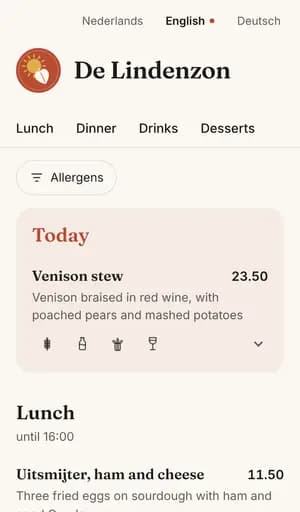
Light 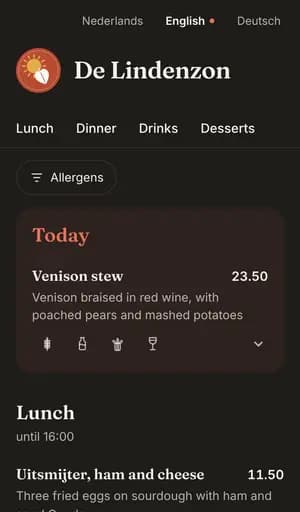
Dark 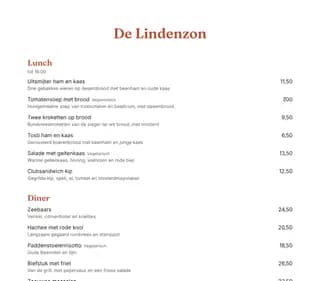
Bistro
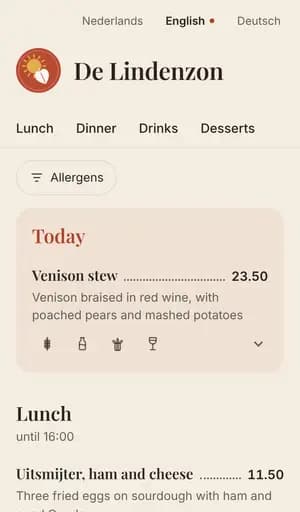
Light 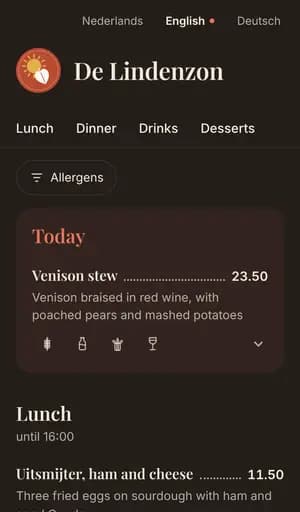
Dark 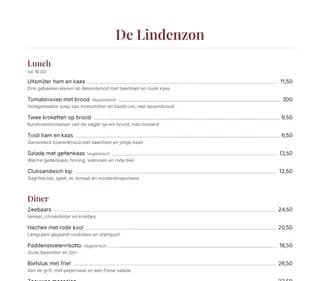
Chalkboard
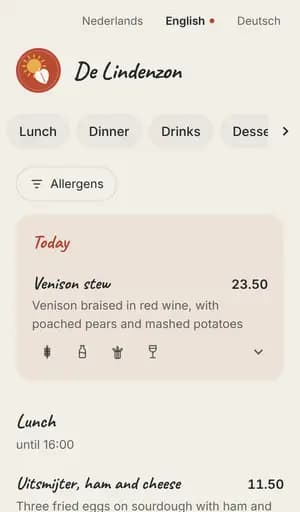
Light 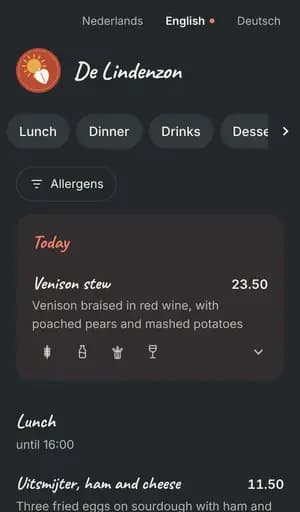
Dark 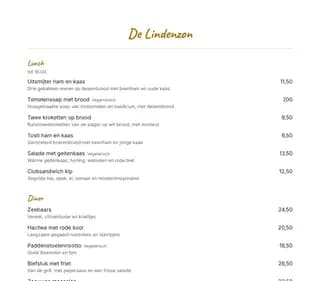
Modern
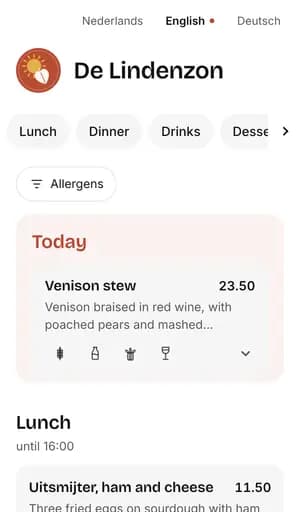
Light 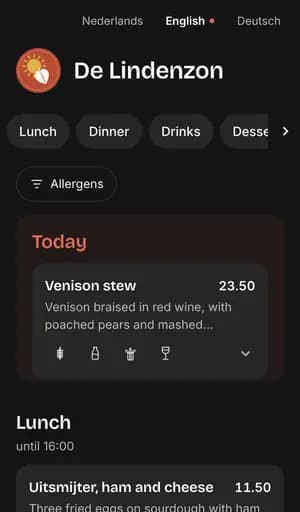
Dark 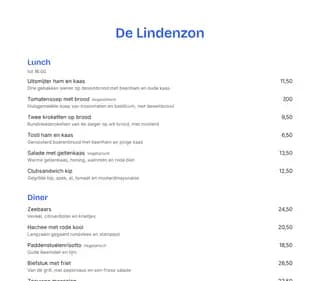
Brasserie
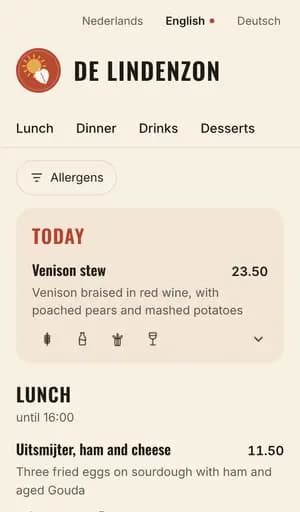
Light 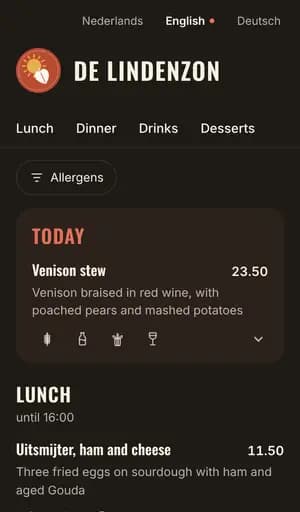
Dark 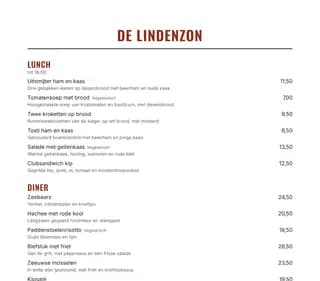
Garden
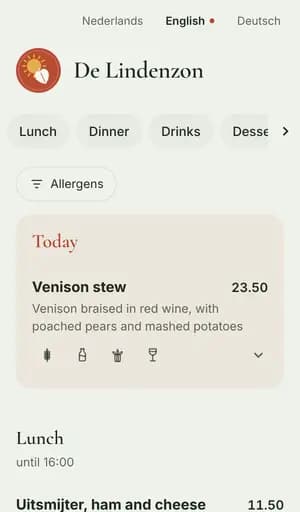
Light 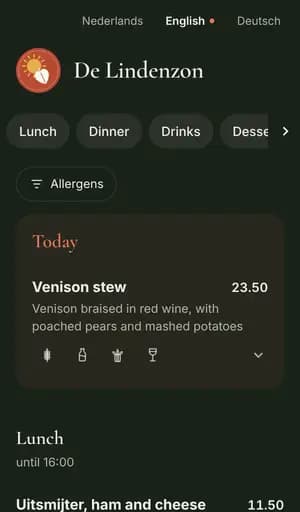
Dark 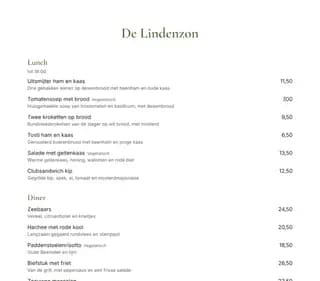
Trattoria
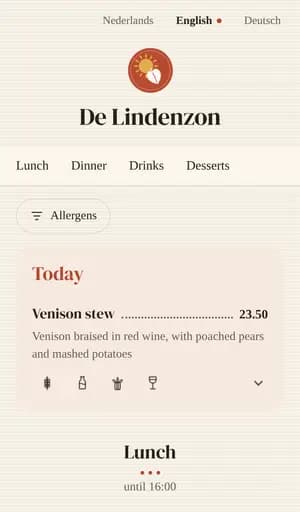
Light 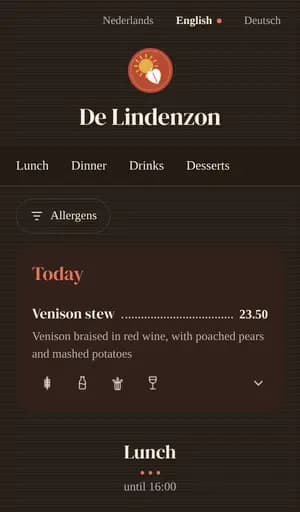
Dark 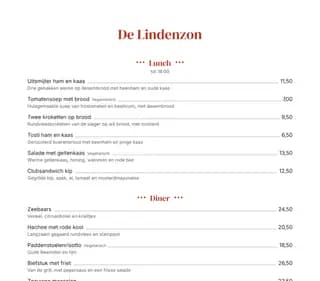
Zen
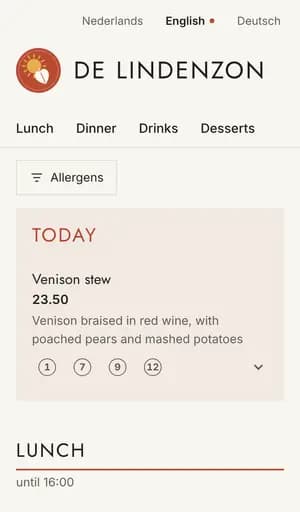
Light 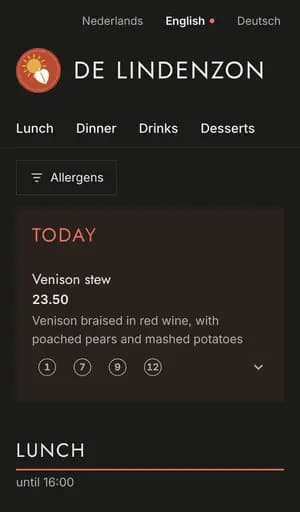
Dark 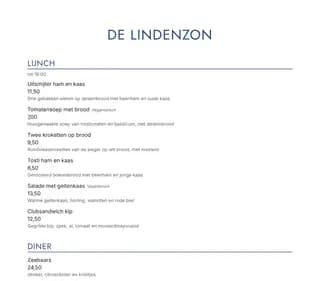
Noir
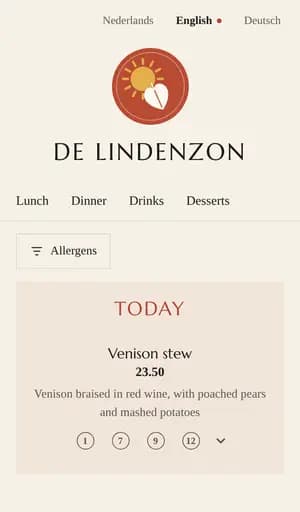
Light 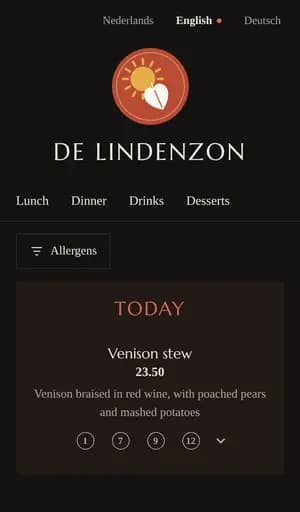
Dark 
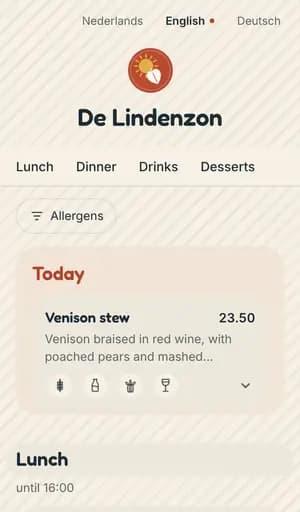
Beach
Light 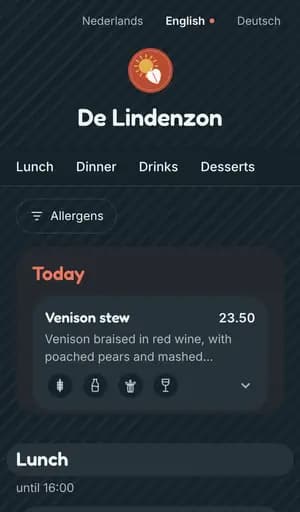
Dark 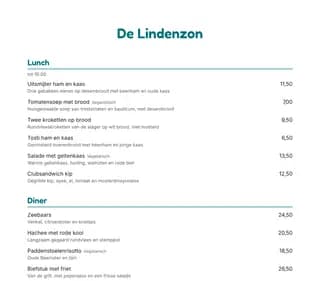
Roastery
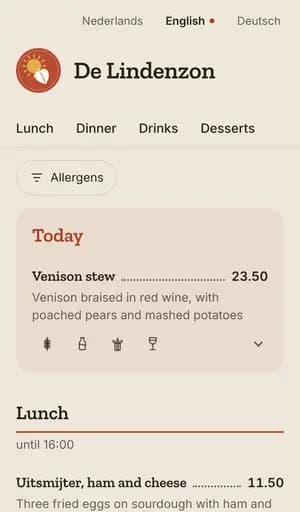
Light 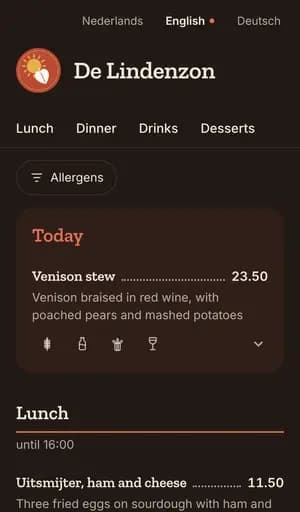
Dark 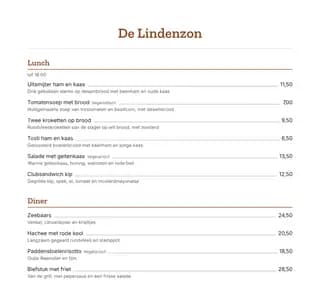
Bakery
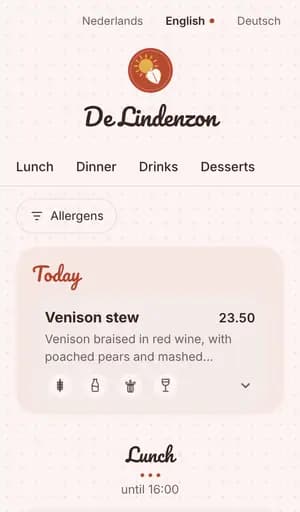
Light 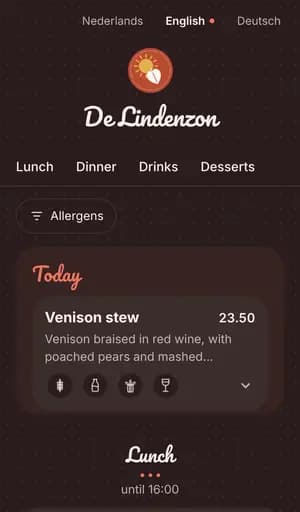
Dark 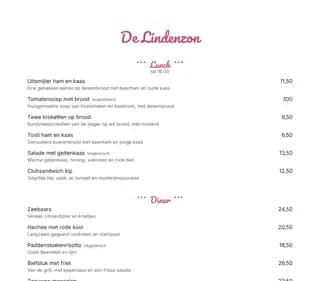
Fresh
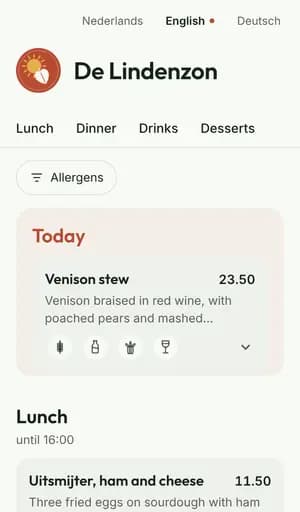
Light 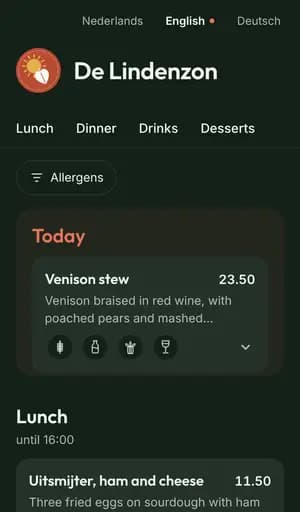
Dark 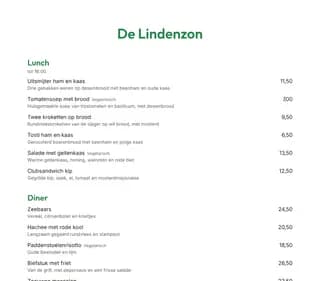
Pub
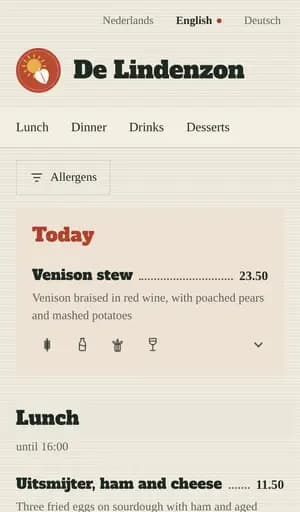
Light 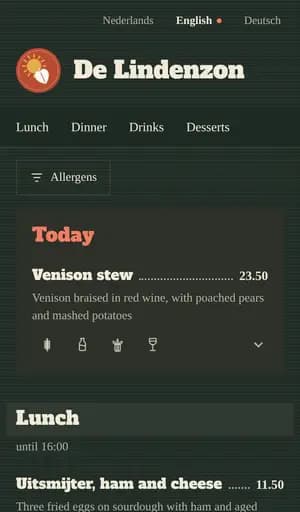
Dark 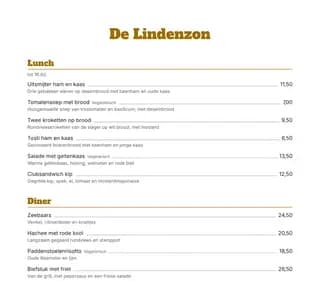
Street
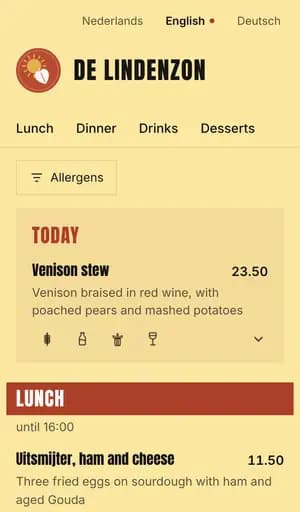
Light 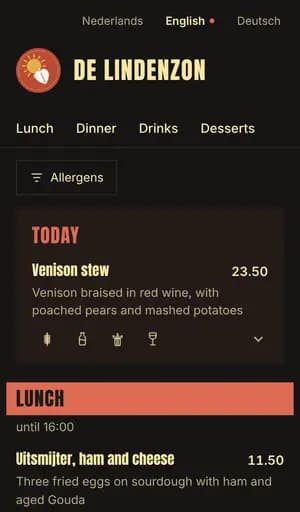
Dark 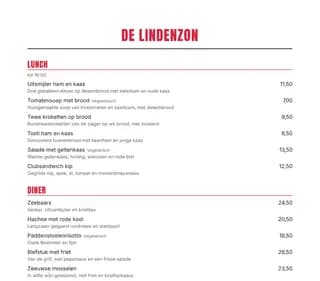
Retro
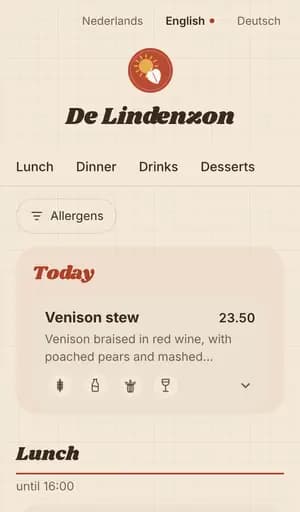
Light 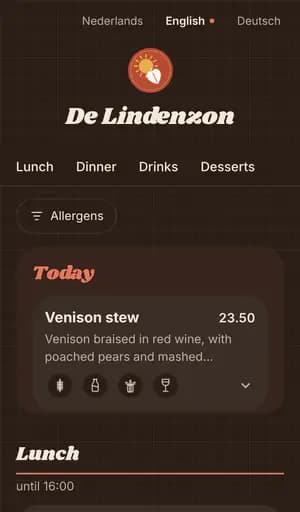
Dark 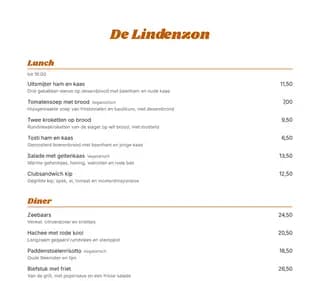
Making a Christmas menu? See the Christmas menu templates
Picking a look that suits you
Start from your venue, not from the menu: a café with a chalkboard behind the bar reads naturally in Chalkboard, a bistro with white tablecloths in Classic or Brasserie, a beach bar in Beach.
Then check that it reads well. Guests read a menu in a dim room or in the sun, often on a small phone: dark looks like Noir and Pub suit an evening bar, light ones a lunch café. Each look has both, and on a QR menu it can follow the guest's phone.
- On paper, every look prints light, on white or tinted paper, so the text stays sharp on any printer.
- On Pro you change a look's colours, fonts and layout, or press Shuffle until something fits, and save it for your other venues.
Questions and answers
Are the menu templates free?
Yes. Print any of them free with the menu maker, without an account. On a QR menu, every look is part of Free too; Pro adds your own colours, fonts and layout.
Can I use my own logo and colours?
In MenuKlaar, yes: your logo and brand colour go with every look, and on Pro you change its colours and fonts. The free printable menu prints the look as it is, with your venue's name as the title.
Why show the menu of a demo café?
So you see each look with real dishes, prices and allergens instead of filler text. De Lindenzon is our demo café; you can open its live menu too.
Can I switch to another look later?
Yes. Your dishes stay the same; a look only changes how they are shown. In the menu maker you pick another look and download again; in MenuKlaar you switch on the Design page and your QR menu changes at once.